Sub-accounts and snapshots are the two features that turn GoHighLevel from a single CRM into an agency you can scale. Sub-accounts keep each client's work walled off in its own space; snapshots let you spin up a new one, fully configured, in a single action. This guide explains both — how they fit together, what they cost, and how to use them to onboard clients fast. For the bigger picture of reselling GoHighLevel under your own brand, see our complete SaaS Mode and white-label guide.
What a sub-account is
A sub-account is an isolated GoHighLevel workspace for a single client — its own contacts, calendars, funnels, pipelines, and automations, walled off from every other client you serve. In GoHighLevel's older terminology a sub-account is sometimes called a "location." Your agency view sits on top of all of them, so you switch between clients and manage the whole book of business from one dashboard without their data ever mixing.
How many you get — and what they cost
Here's the part worth being precise about. According to GoHighLevel's pricing page, sub-accounts are unlimited on both the Unlimited ($297/month) and Agency Pro ($497/month) plans, and there is no per-sub-account seat charge. You do not pay GoHighLevel a license fee for each client you add.
That matters because a lot of older "GoHighLevel agency cost" writing describes a per-seat ladder — $99 or more per client account — that simply does not exist. Your cost to the platform is the flat monthly plan plus usage (SMS, email, phone, AI). Because the plan fee is fixed and sub-accounts carry no seat charge, adding another client doesn't raise what you pay GoHighLevel for the plan itself. The Starter plan ($97/month) is the exception — it's capped at a small number of sub-accounts, so agencies planning to scale start on Unlimited or Agency Pro.
Managing many clients from one place
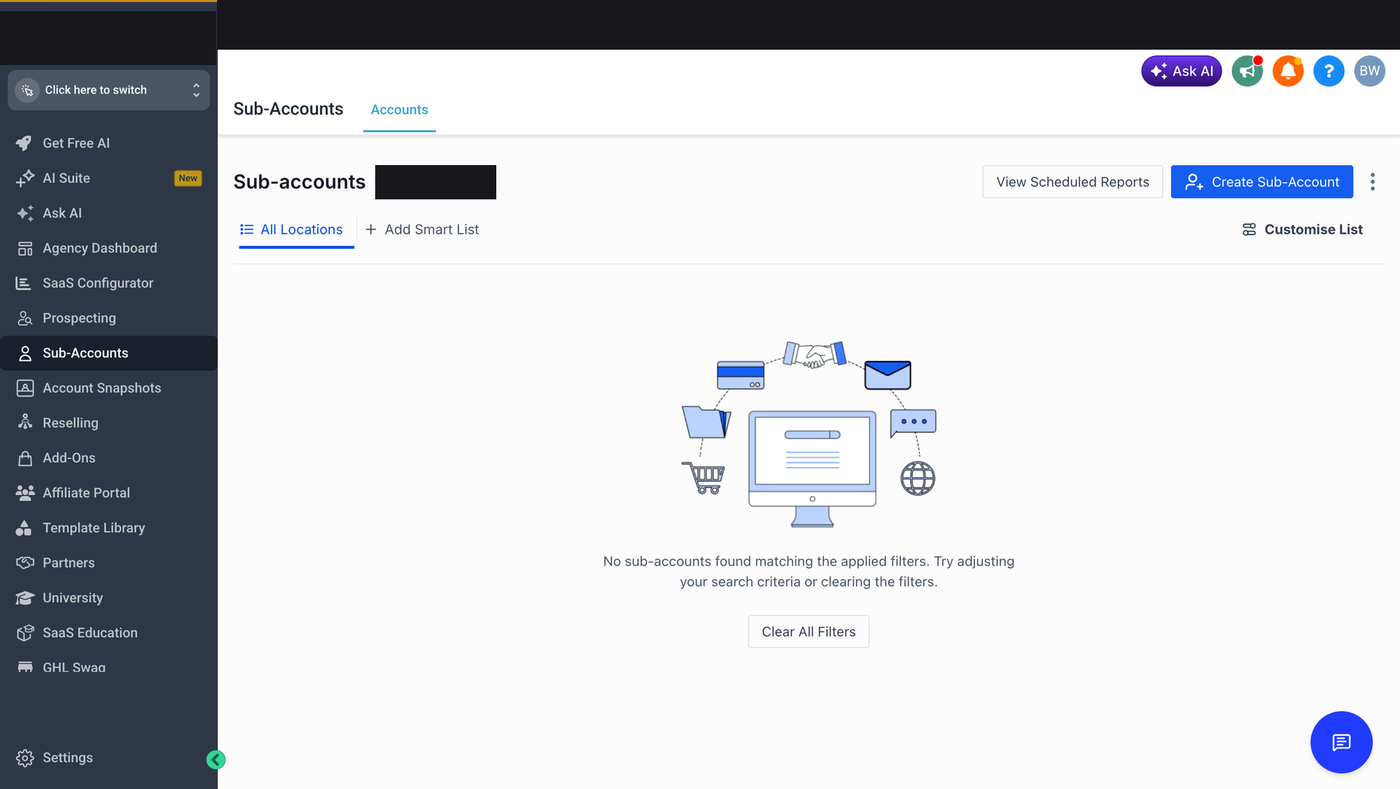
Because every client lives in a separate sub-account, one agency login gives you a bird's-eye view of the whole business and one-click access into any individual client. You move between a client's contacts, calendars, funnels, and automations without their data touching anyone else's, and without juggling separate logins. That separation is also what makes the model safe to sell: a client only ever sees their own workspace, so you can onboard a competitor of an existing client without either of them being exposed to the other. As you add clients, you're adding workspaces under the same dashboard rather than new tools to learn.
Open the list from the agency dashboard: Sub-Accounts in the main nav, or Settings → Sub-Accounts if it is nested. Use the agency account, not a client workspace. The current UI is a table (name, status, created date, user count, actions) rather than a card wall, which is what makes the filter and bulk tools below usable once you have more than a handful of clients. The same list is on every agency plan, including Starter.
Filter chips and stacked filters
Filter chips sit at the top of the Sub-Accounts table. Click Filter, pick a chip, and the table shrinks to that slice. The useful chips:
- Account status — Active, Inactive, or Trial
- Creation date range — last 30 days, a quarter, or a custom window
- User count — single-user setups vs. accounts with a team
- Plan tier — which package that sub-account is on
- Custom tags — industry, location, or service type, if you tagged them
- Billing status — past-due or coming up for renewal
A stacked-filter example: active accounts created in the last 60 days with more than 3 users. That is the set you then act on — not the whole book of business. Other useful stacks: Inactive or Trial accounts you may need to re-engage or sunset; accounts approaching a renewal; a service-tier slice before you send a training note.
Bulk actions on the filtered set
Once the table shows the right rows, check the ones you want and open Bulk Actions. Common moves:
- Change account status — suspend or reactivate several at once
- Update plan tier
- Add or remove tags
- Assign the accounts to a team member
- Send a message or notification to those account owners
- Align billing cycles
The pattern is always filter first, then act. Confirm the change before you apply it. A typical run: filter to one plan-tier slice, select the rows, send one bulk message about a new feature, done.
Scale habits that keep the list usable
- Tag the same way every time (industry, service, upsell-candidate) so the chips stay predictable.
- Once a month, filter for Inactive or Trial accounts and treat that slice as churn risk.
- Assign an owner so accounts do not sit unowned.
- Filter by creation-date cohort when a check-in is due, then bulk-message that cohort.
This is built into GoHighLevel. Try it free for 30 days →
Snapshots: your reusable client template
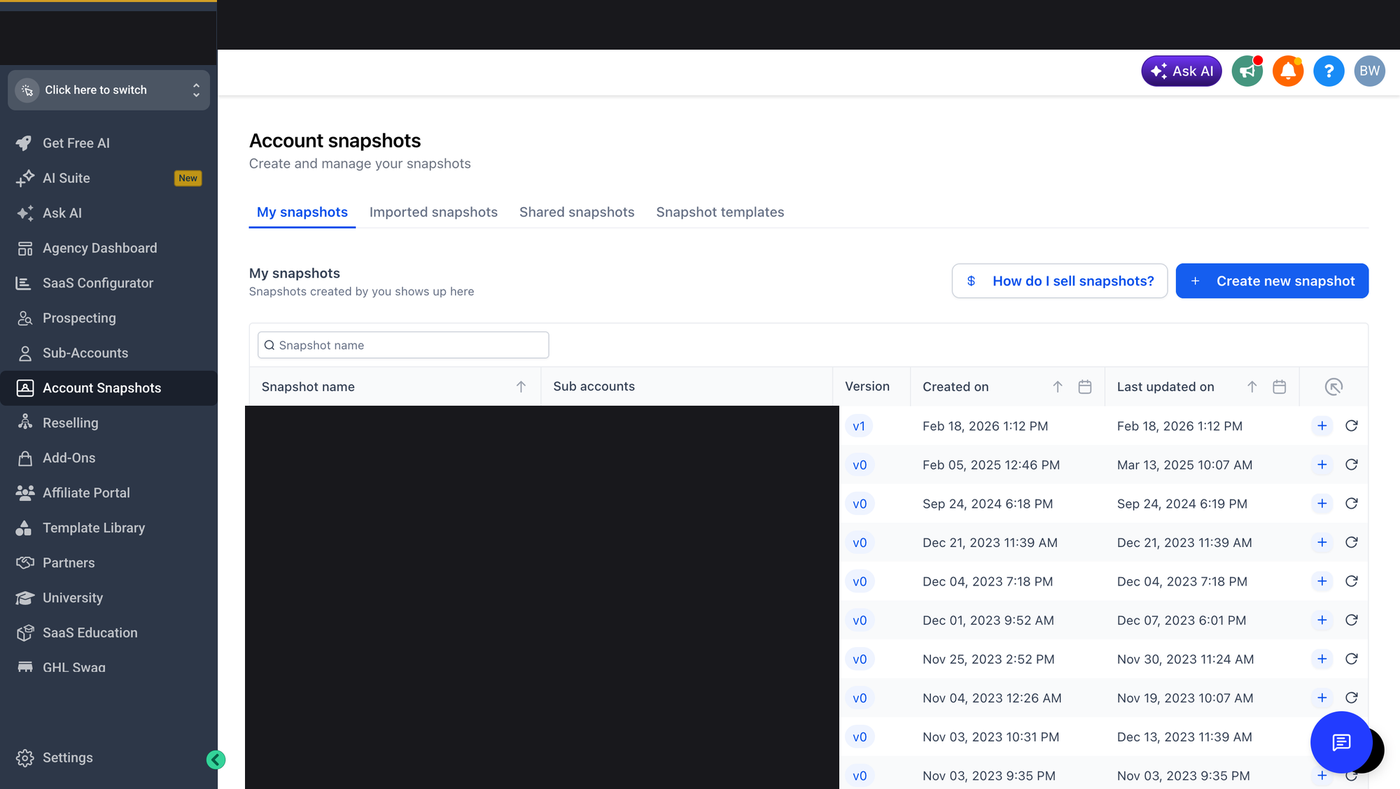
A snapshot is a reusable template built from a sub-account — funnels, workflows, automations, and settings — that you can load into a brand-new sub-account in one action. Build your best onboarding setup once, save it as a snapshot, and every new client starts with your proven system already in place instead of an empty account. According to GoHighLevel, snapshots are the mechanism behind automated SaaS onboarding: a new client account can be auto-provisioned from a snapshot the moment they sign up.
What a snapshot carries — and what it doesn't
A snapshot is meant to carry your reusable setup — the funnels, workflows, automations, and settings you'd want in every client account — not a specific client's live data. Think of it as the blueprint, not the house that's already been lived in. The practical implication for onboarding: you build one strong template account, refine it, and reuse it, rather than copying an existing client (and their contacts) into a new one. It's worth testing a snapshot on a throwaway sub-account before rolling it out to a paying client, so you can confirm the automations and funnels load the way you expect. Treat your best snapshot as a product you maintain: when you improve your onboarding, update the snapshot, and every future client benefits.
One limit that trips people up: pushing a new snapshot does not auto-update existing sub-accounts. New loads get the new template. Accounts you already created from an older snapshot stay as they are, which is the safe default — a live client's workspace should not silently change because you edited a template. If you want an existing client on the new version, you rebuild or refresh that sub-account on purpose.
How to create a snapshot
Build the snapshot from a clean template account, not from a paying client's live workspace.
- Configure the template the way you want every new client to start: core funnels, main workflows, email and SMS defaults, calendar settings, custom fields, and the integrations you actually use.
- From the agency account, open Settings, then Snapshots (sometimes labeled Account Snapshots).
- Click Create Snapshot. GoHighLevel scans the source account.
- Name it so you can pick it later — "Standard agency setup" or "Service-business bundle," not "Snapshot 3."
- Review what will be included, confirm, and wait for processing. A dense account can take a few minutes.
Snapshots copy infrastructure, not contacts or conversations. That is what you want: each new client gets a fresh workspace with your system already installed.
Creating a sub-account from a snapshot
The flow is straightforward from the agency dashboard: create a new sub-account, and choose the snapshot you want to load into it as part of setup. GoHighLevel applies the snapshot's funnels, workflows, automations, and settings to the fresh account, and your client is ready to go with your configuration in place. Building the snapshot well once is the whole point — it converts onboarding from hours of manual rebuilding into a repeatable step you run the same way for every new client.
- Open Sub-Accounts on the agency dashboard and click Create Sub-Account.
- Enter the basics: client business name, a unique account email, the client's timezone, and a phone if you need one.
- Choose Load from Snapshot and pick the template that matches this client.
- If you bill through Agency / SaaS Mode, set this account's plan and markup before you confirm.
- Create the account and wait for the snapshot to land.
- Open the new workspace and spot-check a funnel, a workflow, and the calendar. Then put the client's name, branding, and contact details on it.
Reconnect integrations after the load
API keys and logins from the template account do not travel with the snapshot. After you create the sub-account, reconnect Stripe, Zapier, the email provider, and any other integration with that account's credentials. Until you do, those pieces look present and do not actually fire.
Multiple snapshots by client type
One giant snapshot that tries to cover every kind of client is hard to maintain. Keep a small library and pick the matching row at create time:
- E-commerce — catalog-oriented funnels, abandoned-cart sequences, payments already thought through.
- Service businesses — booking calendars, intake forms, and the follow-up sequences you reuse.
- Real estate — inquiry funnels, lead scoring, and listing-style follow-up.
A starter snapshot and a fuller "ready to scale" snapshot is the same idea, split by depth instead of industry.
Common snapshot mistakes
- Snapshotting a live client account. You want a clean template, not someone else's contacts riding along.
- Never testing the snapshot on a throwaway sub-account before a paying client gets it.
- Forgetting to reconnect integrations, then wondering why payments or Zaps sit silent.
- Never refreshing the snapshot, so every new client inherits last year's setup.
- One bloated snapshot with every funnel you have ever built. Split by client type instead.
Try sub-accounts and snapshots yourself
Spin up a sub-account and load a snapshot inside a live agency dashboard. This link starts an extended 30-day trial (GoHighLevel's standard trial is 14 days — the longer window is a bootcamp promo).
Start your 30-day trial →Frequently asked questions
How many sub-accounts can I have on GoHighLevel?
According to GoHighLevel, sub-accounts are unlimited on the Unlimited ($297/month) and Agency Pro ($497/month) plans, with no per-sub-account seat charge. The Starter plan is capped at a small number.
What is a sub-account in GHL?
It's an isolated client workspace — its own contacts, calendars, funnels, and automations — managed from your agency dashboard and kept separate from every other client. It's sometimes called a "location."
What is a snapshot?
A reusable template of a sub-account's funnels, workflows, automations, and settings that you load into a new sub-account to configure it instantly — the basis of automated client onboarding.
Does pushing a new snapshot update existing sub-accounts?
No. A new snapshot does not auto-update accounts you already created. Those workspaces stay as they are until you rebuild or refresh them on purpose.
Do I have to reconnect integrations after loading a snapshot?
Yes. Keys and logins from the template do not copy. Reconnect Stripe, Zapier, email, and anything else on the new sub-account before you treat it as live.
Keep learning: the full agency, white-label & saas guide library.